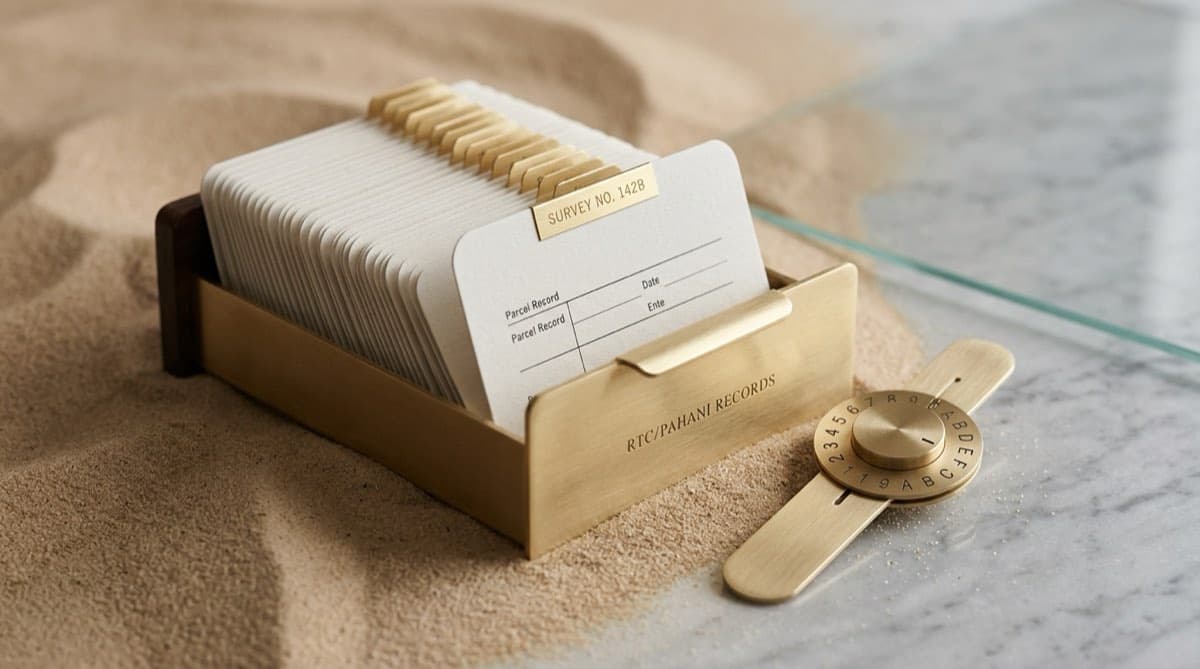
TL;DR
- To check a Karnataka land record by survey number, go to the official Bhoomi portal landrecords.karnataka.gov.in, open View RTC and MR, select District → Taluk → Hobli → Village, then enter the Survey Number + Surnoc + Hissa and fetch the RTC (showing owner, extent, classification, crop, and Column 11 liabilities). On-screen viewing is free; a digitally signed certified copy (the i-RTC) costs only a small, nominal fee.
- The RTC (Record of Rights, Tenancy and Crops), also called the Pahani, is Karnataka's primary land ownership and classification record, updated after every mutation.
- Only the official karnataka.gov.in portal issues a valid record. Search results for "Bhoomi RTC" are flooded with clone domains (rtcbhoomionline, bhoomirtconline, and similar) that are not government sites — never pay them or enter your details there.
- An RTC is a starting point, not a clean chit: it does not show deeds registered only with the Sub-Registrar, equitable mortgages with CERSAI, or pending litigation. Cross-reference it with Kaveri, CERSAI, and the courts.
- A lawyer should always interpret the record in context — the portal gives you data, not a legal opinion.
How do I check Karnataka RTC / Pahani land records by survey number on Bhoomi?
Open the official Bhoomi portal at landrecords.karnataka.gov.in, choose View RTC and MR, drill down through District → Taluk → Hobli → Village, then enter the Survey Number, Surnoc, and Hissa, and click fetch. The RTC appears on screen for free; pay a small fee for the certified, digitally signed i-RTC if you need a copy a bank or court will accept.
The RTC — Record of Rights, Tenancy and Crops, universally called the Pahani in Karnataka — is the government's authoritative record of who owns a parcel, how large it is, what type of land it is, who is cultivating it, and what liabilities are noted against it. It is maintained at the village level and digitised through the Bhoomi project, which is why you can pull it online instead of visiting the village accountant.
Here is the field-by-field walkthrough.
Step-by-step: pulling an RTC
| Step | What you do | What to know |
|---|---|---|
| 1 | Go to landrecords.karnataka.gov.in in your browser | This is the only official domain. Check the URL bar before doing anything else. |
| 2 | Click View RTC and MR (Record of Rights and Mutation Register) | This is the free, no-login view. Mutation Register (MR) shows ownership-change history. |
| 3 | Select District, then Taluk, then Hobli, then Village | These cascade — picking a district filters the taluk list, and so on. Spellings can differ from common usage. |
| 4 | Enter the Survey Number | The unique parcel identifier (e.g., 45). |
| 5 | Choose the Surnoc | A sub-classifier the portal uses to distinguish entries under one survey number. If unsure, select the available option. |
| 6 | Choose the Hissa number | The subdivision. A survey number with no hissa is an undivided parcel; "45/2A" means it was partitioned. |
| 7 | Select the period/year if prompted and click Fetch details | You can pull the current RTC and, separately, historical RTCs to trace the chain. |
| 8 | Read the RTC on screen (free) | This is enough for a quick check. |
| 9 | For a verifiable copy, use i-RTC (print by online payment, no login) | You pay online by card or net banking and download a digitally signed PDF. |
If you do not know the exact survey number, the portal also lets you search owner-wise or by registration number and date, but survey-number search is the cleanest entry point for a specific parcel.
What the fetched RTC actually shows you
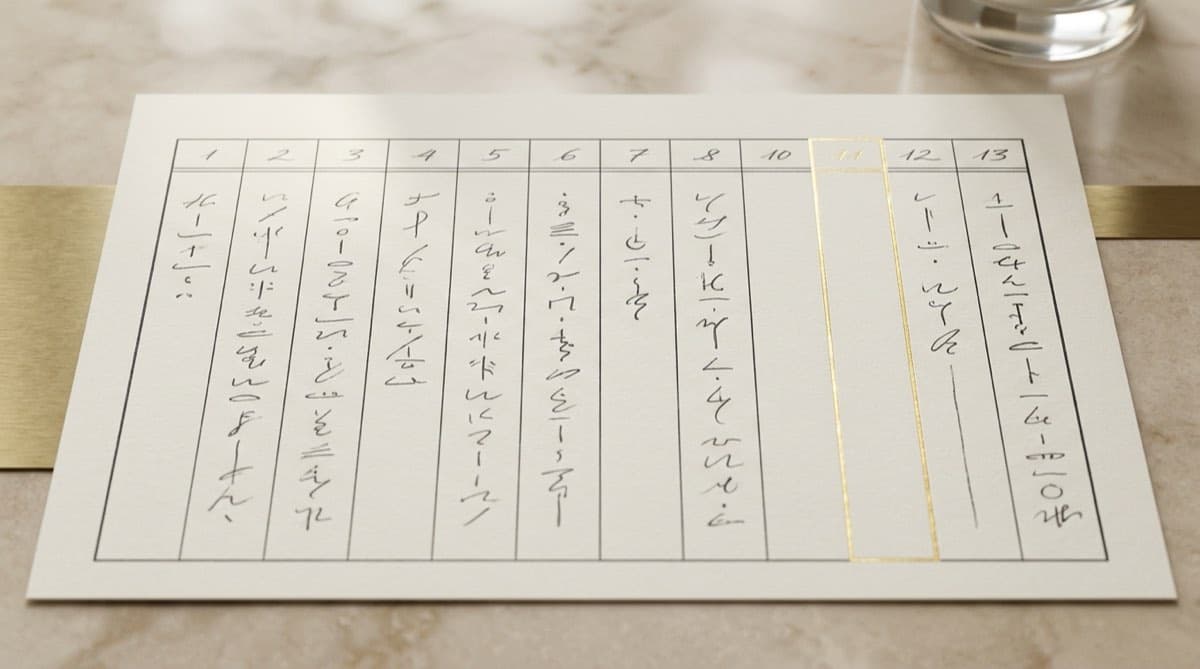
The RTC is laid out as a numbered table. The columns most relevant to a buyer or lender are:
- Survey number and hissa — the parcel identifier and whether it has been subdivided.
- Extent (area) — usually in acres and guntas. This is the revenue-recorded area and can differ from the deed and from GIS measurement.
- Nature of land / classification — government (Sarkar), private (Raiyatwari), wet, dry, garden, and so on. This drives what is transferable and whether conversion is needed.
- Owner (Khatedar) and ownership share — the person(s) recorded as owner and each co-owner's fraction.
- Column 11 (encumbrances) — mortgages, attachments, and dues noted in the revenue records.
- Remarks — free-text notes from the village accountant: acquisition notices, court orders, survey disputes, conversion status, often in Kannada shorthand.
If you want the full, plain-language breakdown of every field, see our guide on how to read a Bhoomi RTC, including the Column 11 red flags. For how the RTC fits into a full Karnataka acquisition workflow, see Bhoomi RTC for Karnataka land acquisition.

Is viewing the RTC free, and what does the i-RTC cost?
Viewing the RTC on screen through View RTC and MR is free. The i-RTC — the digitally signed, certified internet copy that banks and courts accept — costs only a small, nominal fee, paid online by debit card, credit card, or net banking.
The free on-screen view is fine for a quick sanity check: confirming the owner's name, the extent, and the land type before you spend time on a parcel. But a screenshot or printout of the free view is not a certified document. When you need something that will stand up at a bank, a sub-registrar's office, or in litigation, generate the i-RTC, which carries a digital signature and a verification mechanism.
| Item | Cost (indicative, 2026) | Login needed | Use case |
|---|---|---|---|
| On-screen RTC view | Free | No | Quick check of owner, extent, land type |
| Mutation Register (MR) view | Free | No | Tracing ownership-change history |
| i-RTC (digitally signed PDF) | Small, nominal fee | No (online payment) | Bank, court, registration — a record that can be verified |
Treat any quoted figure as indicative — the exact charge is set by the Revenue Department and can change, and different write-ups report slightly different amounts. The portal also offers a way to verify an i-RTC (typically via a document-number or reference check), which is how you confirm a copy someone hands you was genuinely issued by the system and not edited.
How do I avoid fake Bhoomi / RTC websites?
Use only landrecords.karnataka.gov.in — a Government of Karnataka domain ending in .gov.in. The first page of search results for "Bhoomi RTC" is dominated by clone sites with names like rtcbhoomionline, bhoomirtconline, and similar .com/.in/.co.in variants. These are not government portals.
This matters because clone sites do real damage. Some charge a fee for an "RTC" they scrape or fabricate; some harvest the personal and payment details you type in; and none of them can issue a legally valid, digitally signed i-RTC — only the official portal can. A document from a clone site has no evidentiary value.
A simple checklist before you enter anything:
- The domain is exactly landrecords.karnataka.gov.in (look for the
.gov.inending and the padlock). - You are not asked to pay for the free on-screen view; only the i-RTC carries a fee, and payment goes through an official gateway.
- For the mobile route, the Bhoomi app's listed developer is the Revenue Department, Government of Karnataka — not a third party.
- Be wary of ads at the top of search results; scroll to the official
.gov.inlink.
This clone problem is one reason serious buyers route portal access through a single controlled, audited workflow rather than ad-hoc Googling — the same discipline a property due diligence checklist for developers builds in.
What the RTC can and cannot tell you
The RTC is a revenue record, not a registration record. It tells you what the village accountant has been notified of — it does not automatically capture everything that has happened to the land legally. Reading it as a clean chit is one of the most common and expensive mistakes in Karnataka land deals.
Here is the honest boundary of what a Bhoomi RTC covers:
| The RTC shows | The RTC does NOT show |
|---|---|
| Recorded owner(s) and their shares | Deeds registered only with the Sub-Registrar (check Kaveri 2.0) |
| Revenue-noted encumbrances (Column 11) | Equitable mortgages and charges filed with CERSAI |
| Land type, extent, classification | Pending civil suits, writs, or NCLT proceedings (check eCourts, the High Court, NCLT) |
| Mutation history (via MR) | Whether agricultural land has valid DC conversion for non-agricultural use |
| Crop and possession entries | Genuineness of the signatures/identities in the underlying deeds |
A few specific traps:
- A blank Column 11 is not "no encumbrance." It means no charge was recorded in the revenue system. A registered mortgage on Kaveri or a CERSAI charge can sit completely outside the RTC. You confirm encumbrances through the Kaveri Online 2.0 encumbrance certificate, not the RTC alone.
- The recorded owner may not match the latest deed. If a sale happened but the mutation was never updated, the ownership column will still show the old owner. A mismatch between the RTC owner and the most recent Kaveri instrument is a red flag, not a clerical footnote.
- Land type drives what you can even do. Agricultural land needs valid DC conversion before non-agricultural development, and fake conversion orders do circulate — so the order has to be verified, not taken at face value. Who may buy farmland in the first place also turns on the 79A/79B changes to the Karnataka Land Reforms Act, which is a separate check from the RTC itself.
- For converted or urban property, the RTC is the wrong record. Once land is urban/converted, the operative records shift to the municipal khata systems (such as BBMP e-Aasthi/e-Khata in Bengaluru), not the RTC.
- Tenancy and possession entries can block a sale. A protected-tenant entry under the Karnataka Land Reforms Act, 1961, or a Column 11/Remarks note about attachment or acquisition, can override an apparently clean ownership line.
In short: the RTC tells you what the revenue department believes, on the day you pull it. Confirming that this belief is legally true — and current — is exactly the cross-referencing work that turns a record pull into a real title check.
How does this fit into a full title check?
Pulling the RTC is step one of four. A defensible title verification in Karnataka cross-references the RTC against deeds (Kaveri), spatial data (K-GIS), charges (CERSAI), and litigation (eCourts, the High Court, and NCLT for company-owned land) — then has a lawyer read the whole picture together.
The RTC anchors the ownership pillar; the other pillars — land/zoning, encumbrance, and litigation — each need their own portal. This is the logic behind a Title Search Report, and the broader method is laid out in how to verify property title before buying land in India. The most expensive failures usually come from skipping the cross-references.
This is also where automation earns its place. A platform like Deedwise pulls the RTC from the official portal, translates the Kannada entries, and lines it up against Kaveri, CERSAI, K-GIS, and court records automatically — flagging mismatches like an out-of-date owner or a blank Column 11 against a live mortgage. But the framing never changes: AI gathers and drafts the record; a qualified lawyer reviews and signs the opinion. The portal, and the software, give you organised facts — not legal advice.
Frequently asked questions
How do I check a Karnataka land record by survey number? Go to the official Bhoomi portal at landrecords.karnataka.gov.in, click View RTC and MR, select your District, Taluk, Hobli, and Village, then enter the Survey Number, Surnoc, and Hissa, and click fetch. The RTC appears on screen for free, showing the owner, extent, land classification, crop, and any liabilities noted in Column 11.
Is the Bhoomi RTC free, and is there a fee for the i-RTC? Viewing the RTC on screen is free. A certified, digitally signed copy — the i-RTC — costs only a small, nominal fee, paid online by card or net banking with no login required. Treat any quoted figure as indicative; the exact charge is set by the Revenue Department and can change. Use the i-RTC whenever you need a record a bank or court will accept.
What is the difference between RTC and Pahani? There is no difference — RTC and Pahani are two names for the same document. "RTC" stands for Record of Rights, Tenancy and Crops; "Pahani" is the common Kannada term. Both refer to Karnataka's primary land record showing ownership, extent, land type, and revenue encumbrances.
Which is the official Bhoomi website, and how do I avoid fake ones? The only official portal is landrecords.karnataka.gov.in, a Government of Karnataka domain ending in .gov.in. Search results are crowded with clone sites such as rtcbhoomionline and bhoomirtconline; these are not government sites, cannot issue a valid i-RTC, and may charge for fake records or steal your payment details. Always check the URL ends in .gov.in before entering anything.
Is a Bhoomi RTC enough to confirm clear title? No. The RTC is a revenue record and only shows what the village accountant was notified of. It does not show deeds registered solely with the Sub-Registrar (check Kaveri 2.0), equitable mortgages filed with CERSAI, or pending litigation (eCourts, the High Court, NCLT). A blank Column 11 does not mean there is no mortgage. The RTC is step one of a four-pillar title check that a lawyer reviews and signs.
Can I see who owned the land before the current owner? Yes. The Mutation Register (MR) and historical RTCs on the same portal let you trace previous owners and the chain of ownership changes. Pull RTCs across earlier periods and read the mutation entries to reconstruct the chain of title; a sound search typically looks back about 30 years.
Continue reading
How to Read a Bhoomi RTC (Pahani): All 13 Columns and the Column 11 Red Flags
11 min read

How to Download an Encumbrance Certificate Online from Kaveri in Karnataka (Form 15 vs Form 16)
11 min read

How to Verify DC Conversion of Agricultural Land in Karnataka (and Spot a Fake Order)
10 min read

Bhoomi RTC for Karnataka Land Acquisition: A Developer's Guide
11 min read
Automate your due diligence
Skip the manual portal work.
Deedwise automates everything in this article — across every connected portal — and delivers a complete Title Search Report in hours.
Request Access