TL;DR
- To check West Bengal land records, go to banglarbhumi.gov.in, choose District → Block → Mouza, pick the Khatian Type (RS, LR or CS), then search by Khatian number (the ownership account) or Plot/Dag number (the parcel) — and you can order a digitally-signed RoR called e-Porcha.
- A Khatian is the record-of-rights account that lists owners and their shares; a Dag (Plot) is the individual parcel on the ground. One Khatian can hold many Dags, and one Dag can be shared across Khatians.
- The three "Khatian types" are survey eras, not document grades: CS (British-era Cadastral Survey), RS (post-independence Revisional Settlement), and LR (Land Reforms). LR is the current operative record; RS and CS are historical references you trace backwards for chain of title.
- The free "Know Your Property" view is for a quick look only. For anything that goes into a transaction you need the certified, digitally-signed e-Porcha ordered through Service Delivery and tracked by a GRN number.
- Banglarbhumi shows the revenue record (who is recorded as owner and how much they pay) — it does not prove title, does not contain registered sale deeds, and does not show mortgages or court cases. Those live on separate systems and must be checked before you rely on a parcel.
How do I check Banglarbhumi land records and Khatian in West Bengal?
Open the official portal banglarbhumi.gov.in, use "Know Your Property", and drill down by District → Block → Mouza. Then choose the Khatian Type and search either by Khatian number or by Plot (Dag) number. The result shows the recorded owner(s), their share, the plot area, land classification and the current Khatian linking them.
West Bengal's land administration is organised by Mouza — the revenue village, identified by a JL (Jurisdiction List) number. Within a Mouza, every parcel has a Dag (plot) number, and every ownership account has a Khatian number. The same Khatian or Dag number can recur in different Mouzas, so to read any West Bengal record correctly you need the Mouza (or its JL number) plus a Khatian or Dag.
Step-by-step on the portal
| Step | What you do | What you get |
|---|---|---|
| 1 | Go to banglarbhumi.gov.in and open Know Your Property | The search form (no login needed for the free view) |
| 2 | Select District, then Block, then Mouza | Narrows the search to one revenue village |
| 3 | Choose Khatian Type: RS, LR or CS | Tells the system which survey record to read |
| 4 | Search by Khatian No. or by Plot (Dag) No., enter the captcha | A page listing owners, shares, area and classification |
| 5 | To convert old to new parcel numbers, use RS-LR Information (Sabek Dag to Hal Dag) | Maps an old plot number to its current equivalent |
| 6 | For a usable copy, sign in and use Service Delivery → ROR Request | A paid, digitally-signed e-Porcha, tracked by GRN |
The free "Know Your Property" output is uncertified — fine for orientation, not for due diligence. For the document you actually rely on, order the e-Porcha (the certified, digitally-signed Record of Rights, locally called the Porcha), pay the nominal fee, note your GRN (Government Reference Number), and download it once the request is approved. You can re-download a certified copy later through GRN Search.
If you are coming from a state like Karnataka or Maharashtra, the concepts transfer cleanly. The Banglarbhumi e-Porcha is the West Bengal equivalent of the Bhoomi RTC / Pahani in Karnataka or the 7/12 (Satbara) extract in Maharashtra — a revenue record of who is recorded against a parcel, not a conclusive proof of ownership.
What is the difference between RS, LR and CS Khatian?
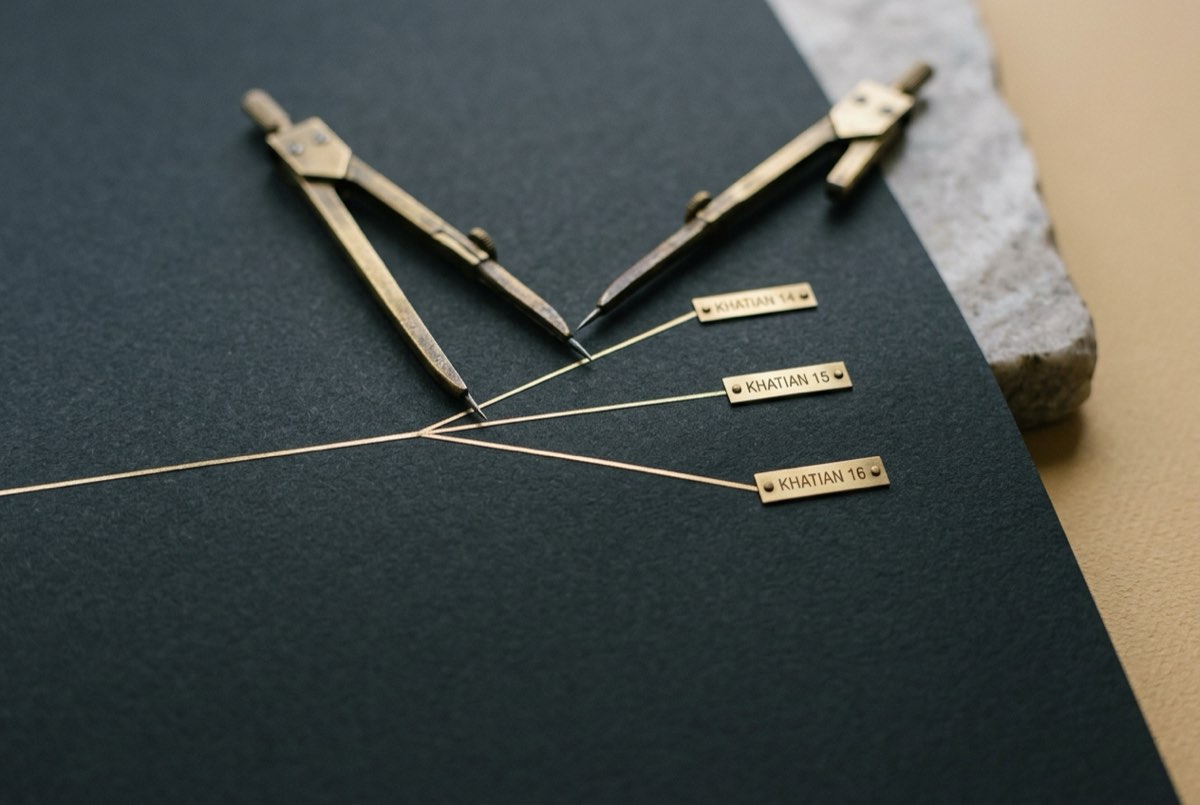
CS, RS and LR are three successive survey settlements of West Bengal. They are not different qualities of the same document — each was a fresh statewide survey done at a different time, often producing different plot numbers and owners for the same piece of land. The LR Khatian is the current, operative record; RS and CS are earlier records you read to build the history.
| Khatian type | Survey era | Status today | Why you read it |
|---|---|---|---|
| CS (Cadastral Survey) | British era (early 1900s) | Historical / archival | Oldest baseline; used for old disputes and deep history |
| RS (Revisional Settlement) | Post-independence (decades vary by district) | Historical reference | Intermediate link in the chain; new Dag numbers created here |
| LR (Land Reforms) | After land reforms — Operation Barga, ceiling redistribution | Current and operative | The record used for transactions, mutation and revenue today |
Because each settlement renumbered plots, a single parcel often has a CS Dag, an RS Dag and an LR Dag that do not match. The portal's RS-LR Information tool exists precisely to bridge two of them, mapping the old plot number (Sabek Dag) to the current one (Hal Dag). When you trace a chain of title, you usually work backwards from the LR Khatian to RS to CS, reconciling the numbers at each step.
A practical reading of the names
A buyer or lender should treat it this way:
- Start with the LR Khatian. It is what the revenue department currently maintains and what mutation updates.
- Use RS (and CS) to verify history. If the LR record shows an owner who acquired the land decades ago, the RS/CS records should tell a consistent story. A name that appears in LR with no trace in RS, or sudden unexplained changes between surveys, is a flag worth chasing.
- Reconcile the Dag numbers. A mismatch between the Dag on a deed and the Dag on the current Khatian is one of the most common sources of confusion in West Bengal parcels — and a place where boundary and identity disputes hide.
What other records and services does Banglarbhumi cover?
Beyond viewing Khatians, Banglarbhumi handles the everyday revenue workflow: mouza maps, mutation, land conversion, and online Khajna (land revenue) payment. Each leaves a trace you can verify.
| Service | What it is | Why it matters for diligence |
|---|---|---|
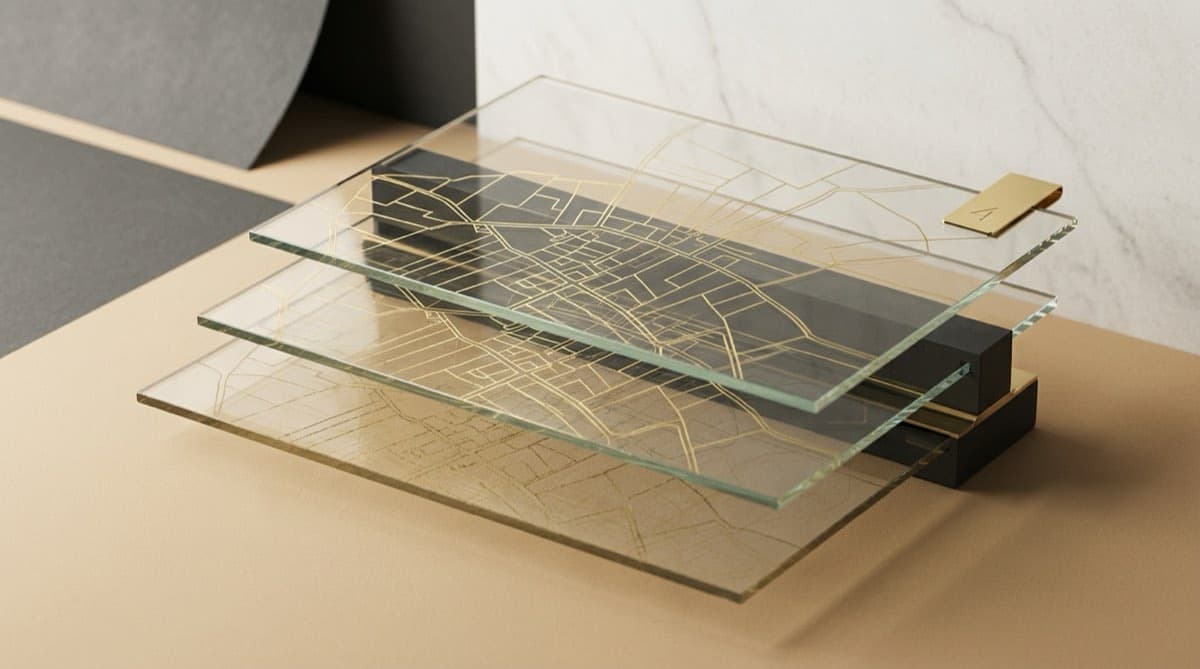
| Mouza Map | The cadastral map of a revenue village showing plot boundaries | Confirms the parcel's shape and neighbours; pair it with the Dag number |
| Mutation | Updating the recorded owner after a transfer, inheritance or partition | A registered deed alone does not change the Khatian — mutation does |
| Conversion | Changing land use (e.g. agricultural to homestead/commercial) | Selling or building on the wrong classification creates real risk |
| Khajna (land revenue) | Online payment of annual land tax | Up-to-date Khajna receipts in the seller's name corroborate possession |
| GRN Search | Look up any application/payment by its reference number | Lets you confirm and re-download certified outputs |
Mutation is the step buyers most often miss. In West Bengal, mutation is processed by the Block Land and Land Reforms Officer (BL&LRO), who issues a Certificate of Mutation and corrects the village record-of-rights. Until mutation is complete, the Khatian can still show the previous owner even after a valid registered sale. Always confirm that the seller's name actually appears on the current LR Khatian — and if it does not, find out why.
What can Banglarbhumi NOT tell you?
This is the most important section. Banglarbhumi is a revenue record system, and a revenue record is not proof of ownership. It tells you who the government has recorded against a parcel for land-tax purposes — which is strong supporting evidence, but it is not title, and several decisive checks live entirely outside the portal.
Under the West Bengal Land Reforms Act, 1955, a finalised record-of-rights carries a legal presumption of correctness, but Indian title is fundamentally established by the chain of registered deeds under the Transfer of Property Act, 1882 and the Registration Act, 1908 — not by a Porcha. A clean e-Porcha with a defective deed chain is still a defective title.
What Banglarbhumi will not show you:
- Registered sale/gift/lease deeds. Deeds are with the Directorate of Registration and Stamp Revenue (the WB registration system at wbregistration.gov.in), not on Banglarbhumi. You must pull the deed chain separately and match it to the Khatian.
- Encumbrances and mortgages. A bank charge or unregistered "equitable mortgage" will not appear in the Khatian. These are checked via the registration department's encumbrance search and, for institutional charges, the CERSAI central registry.
- Litigation. Pending civil suits, partition disputes, injunctions, or insolvency over a corporate owner do not show up in a land record. Those require eCourts, the Calcutta High Court services, and NCLT for companies.
- Possession and ground reality. The Porcha cannot tell you who is physically on the land, whether boundaries match the Mouza map, or whether there is an encroachment, tenant or bargadar (recorded sharecropper) in occupation.
- The latest transaction if mutation is pending. Because the Khatian only updates on mutation, the portal can lag behind a recently registered transfer.
A genuine title search report stitches all of these together — the e-Porcha, the registered deed chain, the encumbrance and CERSAI search, and a litigation scan — across at least a 30-year window. For a structured walk-through of what to gather, see the developer's property due diligence checklist, and for the patterns that trip people up, the common title defects in Indian real estate.
Where Deedwise fits
Deedwise's deep automated coverage today is Karnataka, where the platform pulls Bhoomi, Kaveri, K-GIS and other portals end to end. The same four-pillar method — Ownership, Land, Encumbrance, Litigation — applies identically in West Bengal: a Banglarbhumi e-Porcha feeds the Ownership and Land pillars, while the registration department, CERSAI and the courts feed Encumbrance and Litigation. Across every state the principle is the same: AI gathers and drafts the record; a qualified lawyer reviews and signs the title opinion. No portal printout, however clean, is a substitute for that review.
Frequently asked questions
What is the difference between a Khatian and a Dag (plot) number in West Bengal? A Khatian is the record-of-rights account that lists the owner(s) of land and their shares within a Mouza. A Dag (or plot) is the individual parcel of land on the ground, identified by number on the Mouza map. One Khatian can contain several Dags, and one Dag can be shared by more than one Khatian. You can search Banglarbhumi by either, but for diligence you reconcile both: the people (Khatian) and the parcel (Dag).
Which Khatian should I rely on — RS, LR or CS? For current ownership, rely on the LR (Land Reforms) Khatian, which is the operative record the revenue department maintains and updates through mutation. Use the RS and CS Khatians as historical references to verify the chain of title and to reconcile old plot numbers. Treat them as one timeline (CS to RS to LR), not as competing documents — and resolve any mismatch in owner names or Dag numbers before you transact.
Is the Banglarbhumi e-Porcha proof of ownership? No. The e-Porcha is a digitally-signed Record of Rights — strong revenue evidence and admissible, but it records who is entered for land-tax purposes, not who legally owns the land. Title in India is established by the chain of registered deeds under the Registration Act, 1908 and Transfer of Property Act, 1882. A clean e-Porcha alongside a broken or fraudulent deed chain is still a defective title, which is why a lawyer-reviewed title search is essential.
Why does the Khatian still show the old owner after I bought the land? Because a registered sale does not automatically update the land record — mutation does. In West Bengal you must apply for mutation, and the Block Land and Land Reforms Officer (BL&LRO) issues a Certificate of Mutation and corrects the Khatian. Until that is processed, the LR Khatian can still display the previous owner. If a seller's name is missing from the current Khatian, confirm whether mutation is simply pending or whether there is an underlying title problem.
Where do I check mortgages and court cases on a West Bengal property? Not on Banglarbhumi. Mortgages and encumbrances are traced through the registration department's encumbrance search (the WB registration system) and, for institutional loans, the central CERSAI registry. Litigation is checked on eCourts, the Calcutta High Court portal, and NCLT if the owner is a company. The Khatian is silent on all of these, so a parcel that looks clean on Banglarbhumi can still carry an active loan or a pending suit.
Do I need to log in and pay to use Banglarbhumi? For the quick "Know Your Property" view you generally do not need to log in, and it is free — but the result is uncertified and only suitable for orientation. To download a certified, digitally-signed e-Porcha for a transaction, you must register/sign in, raise an ROR Request under Service Delivery, pay a nominal fee, and track it by your GRN. Always use the certified copy, not the screen view, for anything that matters legally or financially.
Continue reading
How to Download a 7/12 (Satbara) Extract Online in Maharashtra — and 8A vs Property Card
8 min read
How to Check 7/12, 8A and Mutation Records on AnyROR Gujarat (VF-6/7/8A)
8 min read

What Is Bhu-Naksha and How to View a Cadastral / Plot Map by Survey Number
10 min read

Bhoomi RTC for Karnataka Land Acquisition: A Developer's Guide
11 min read
Automate your due diligence
Skip the manual portal work.
Deedwise automates everything in this article — across every connected portal — and delivers a complete Title Search Report in hours.
Request Access